





RF Coupler Calibration Steps
RF Couplers Calibration Procedure
A step-by-step guide for accurate calibration of RF couplers to ensure optimal performance and signal integrity in RF systems.
1
Preparation and Equipment Inspection
- Review all equipment required for calibration, ensuring that instruments such as the RF signal generator, power meter, and spectrum analyzer are functioning correctly.
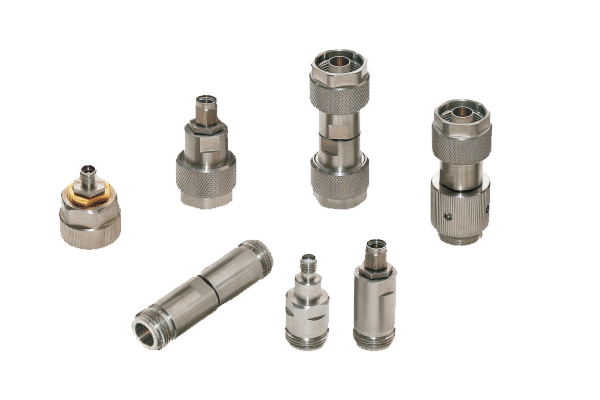
- Check that calibration cables and connectors are intact, without surface damage or oxidation, and clean them if necessary.
- Place the RF coupler and calibration instrument in a stable environment free from electromagnetic interference.
- Turn off all equipment power before connecting to avoid damage to the instrument or coupler caused by live operation.
- Ensure the coupler is at room temperature to guarantee calibration accuracy.
2
Establish a Standard Calibration Link
- Construct the calibration link according to the signal transmission logic.
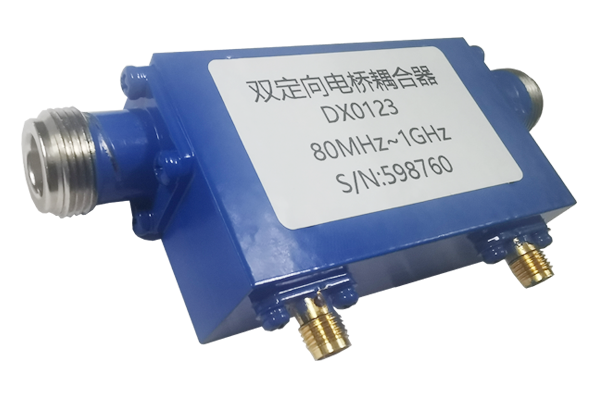
- Connect the output of the RF signal source to the input of the RF coupler, ensuring the connectors are tightened and making good contact.
- Connect the coupling port and through port of the coupler to the corresponding interfaces of the power meter or spectrum analyzer.
- Avoid excessive bending of cables during construction and ensure impedance matching of the link.
- After connection, double-check the connection status of each interface to ensure there are no loose connections or incorrect connections.
- Then turn on the power of all equipment and wait for the instruments to warm up to ensure they are in a stable operating state.
3
Set Calibration Parameters and Acquire Data
- Based on the rated operating range of the RF coupler, set an appropriate calibration frequency and output power on the signal source.
- After the signal source output stabilizes, read the signal data from each port of the coupler using a power meter or spectrum analyzer.
- Measure key parameters such as coupling degree, insertion loss, and isolation.
- Perform repeated data acquisition operations at different operating frequency bands to ensure coverage of the coupler's full operating range.
- Record each set of acquired data to provide a basis for subsequent calibration and adjustment.
4
Data Comparison and Calibration Adjustment
- Compare the acquired actual data with the RF coupler's standard parameters to determine if there are any deviations.
- If the data deviation exceeds the allowable range, adjust the coupler according to the type and magnitude of the deviation.
- Adjustments should be made gradually and finely to avoid over-adjustment leading to parameter imbalance.
- After adjustment, acquire data again and compare, iterating repeatedly until the actual parameters match the standard parameters.
- After successful calibration, turn off the equipment power, disconnect the calibration link, organize the calibration data, and archive it.
Important Note
Regular calibration of RF couplers is essential for maintaining signal integrity and system performance. Always follow manufacturer guidelines and document all calibration procedures for quality assurance and traceability.