


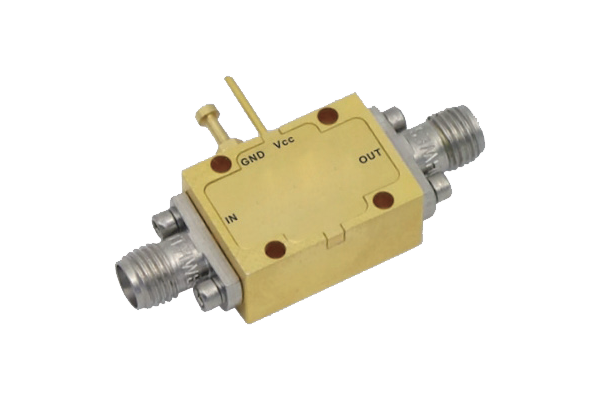
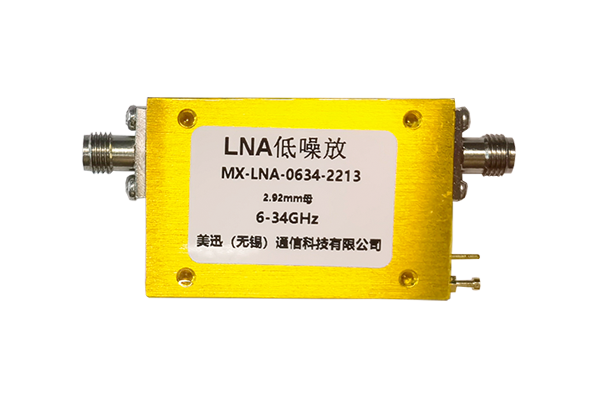
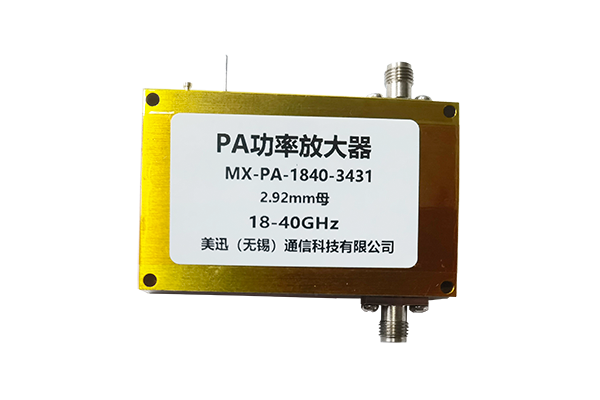
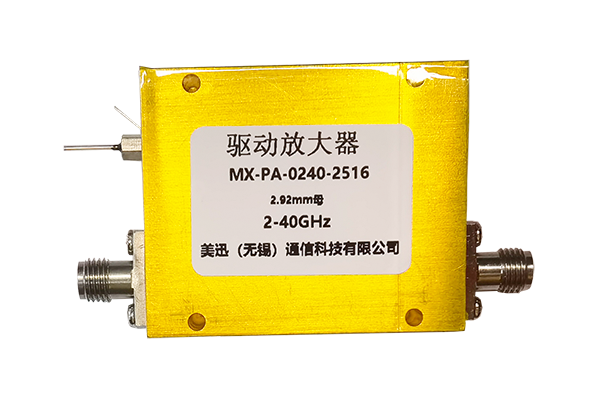




How to Troubleshoot Noise Issues with a PA Amplifier
PA Amplifier Noise Troubleshooting Guide
A systematic approach to identifying and resolving audio noise issues
1
Check Connections
- Eliminate poor contact by checking all cables
- Ensure cables connecting source to PA amplifier and PA amplifier to speakers are securely plugged in
- Check for loose or misaligned interfaces
- Reconnect and replug to ensure firm connections
- Inspect cable sheath for damage and exposed internal wires
- Replace damaged cables immediately to avoid noise
2
Check the Amplifier Itself
- Confirm PA amplifier malfunction if connections are normal
- Turn off all external audio sources and turn on the PA amplifier alone
- Listen for noise - if persists, may indicate faulty internal component
- Check if PA amplifier is overheating
- Inspect ventilation holes for dust blockage
- Clean ventilation holes and ensure good ventilation
- If noise persists, contact professional to inspect internal components
3
Eliminate External Interference
- Reduce impact of environmental factors
- Investigate electromagnetic interference sources
- Keep PA amplifier away from devices generating electromagnetic signals
- Avoid proximity to refrigerators, air conditioners, and routers
- Check if power cord and signal cable are laid parallel
- Adjust cable routing to maintain distance between power and signal cables
- Reduce noise caused by environmental interference
4
Verify Audio Source Equipment
- Confirm if noise originates from the source
- Verify each audio source individually
- Connect different audio source devices to the PA amplifier
- If noise disappears after replacement, original audio source is faulty
- Check connection cables of audio source equipment
- If audio source equipment or cables are faulty, they transmit noise to PA amplifier
- Repair or replace relevant audio source equipment as needed