






How to Determine if a Waveguide Switch is Damaged
Waveguide Switch Damage Assessment
Determining waveguide switch damage requires a multi-dimensional approach, combining operational status checks, performance parameter analysis, and physical inspection. Accurate fault signal identification helps prevent device failure from impacting overall system operation. The assessment process integrates visual observation with professional testing across the following four critical aspects.
Operating Status Observation
- Monitor for smooth switching action without hesitation or jamming.
- Note any switching delay, jamming, or failure to actuate, indicating potential internal mechanism fault.
- Listen for unusual sounds; abnormal noise or vibration suggests internal wear, loosening, or misalignment.
Signal Performance Testing
- Use professional instruments to measure key signal parameters.
- A significant increase in insertion loss and decrease in isolation cause signal attenuation and crosstalk.
- An abnormally high VSWR indicates poor signal matching and reduced transmission efficiency.
Physical & Connection Inspection
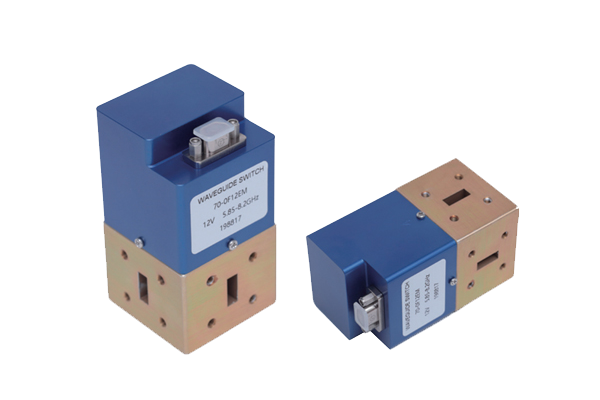
- Examine the switch cavity for deformation or cracks affecting structural stability.
- Check port connections for looseness, poor contact, oxidation, or corrosion.
- Verify seal integrity; moisture or dust ingress can damage internal components.
Operating Temperature Monitoring
- Monitor for sudden, localized, or overall temperature rises beyond normal range.
- Excessive heat may indicate internal circuit failure, poor heat dissipation, or increased component friction.
- Correlate temperature data with runtime and load conditions for timely damage detection.
A comprehensive assessment of waveguide switch condition involves correlating findings from all four aspects—operational behavior, signal metrics, physical state, and thermal performance—to accurately diagnose damage and ensure system reliability.